Please fill in the form below and one of our ERP Go team members will be in touch soon.
Run your stock and order business in one place
Sell, buy, stock, invoice and get paid without spreadsheets or juggling systems.
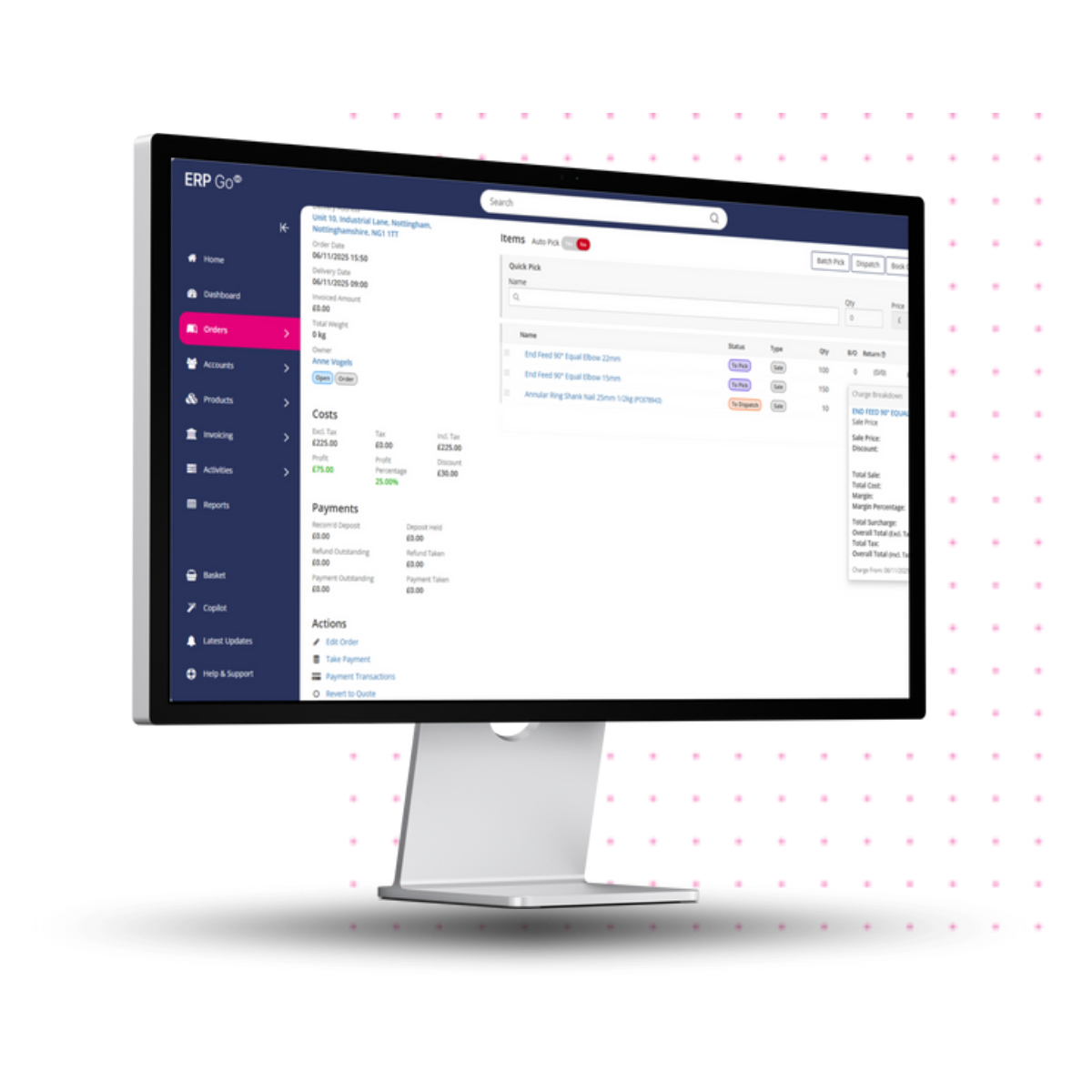
ERP Go is a cloud-based solution designed for small businesses that source products, hold stock and sell to customers.
Everything you need to manage orders, inventory, suppliers, deliveries and invoices all in one system.
How ERP Go helps your business:
Stay in control of stock
Sell faster from quote to delivery
Buy smarter and avoid over-stocking
Invoice easily and get paid quicker
Manage deliveries without the chaos
Keep customers and suppliers organised
See the numbers that matter
Connect to your accounting software
What to Expect from Your ERP Go Demo
A no-pressure, 30-minute session showing exactly how ERP Go can simplify your day-to-day, reduce costs, and keep your customers happy.
Custom walkthrough
We’ll tailor the demo to your business.
In-person Q&A
Ask anything about features, or integrating the accounting systems you already use. Our experts will give clear, actionable answers.
Next steps
You’ll leave with a full understanding of how ERP Go can support your business.
- Orders
- Stock
- Purchasing
- Reporting
Orders

Sell without friction
Create quotes, manage sales orders, handle partial deliveries and returns, and turn orders into invoices in one smooth flow. Everything stays connected from first sale to payment.
Stock
Always know what you have
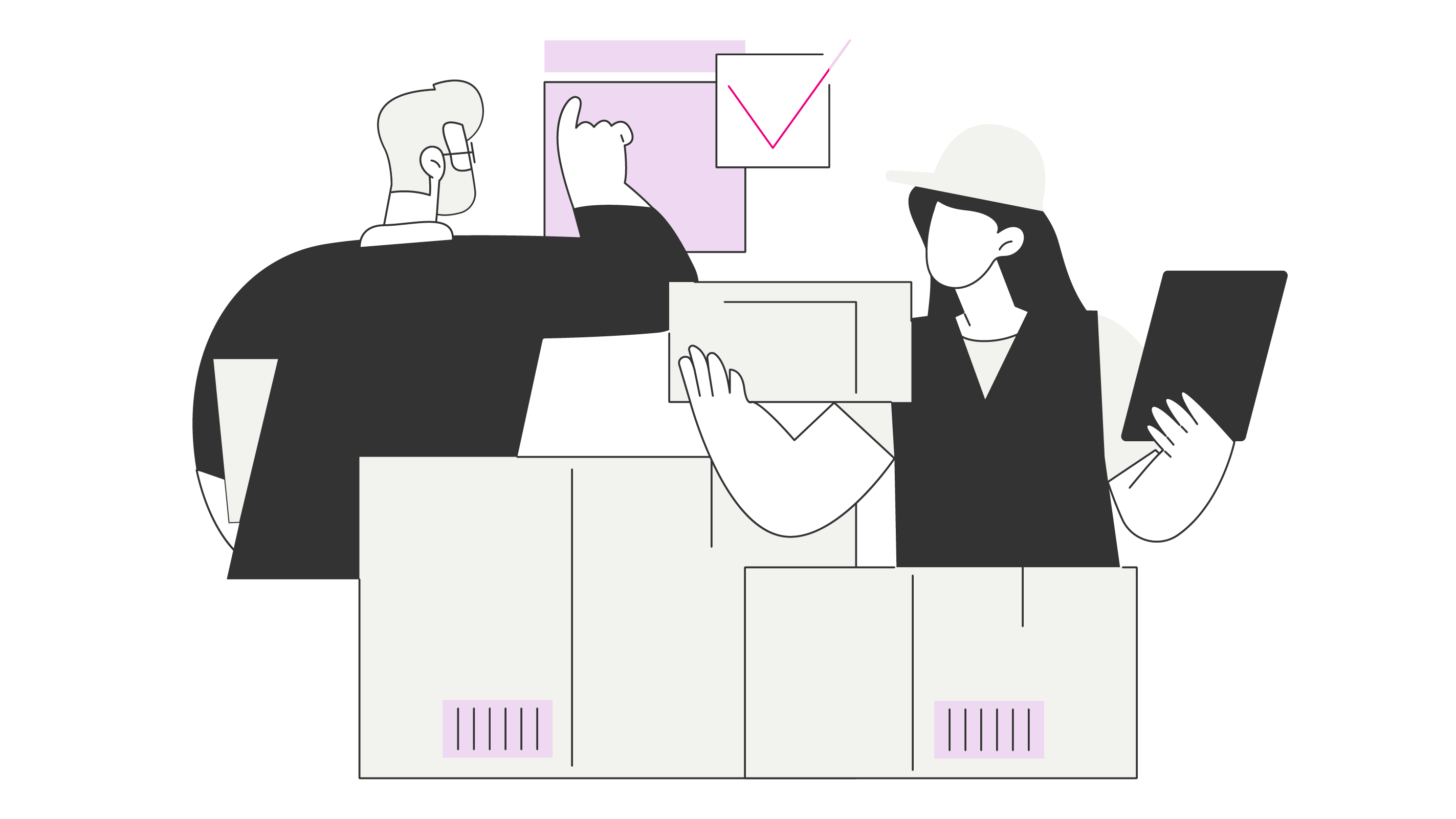
See what’s available, what’s on backorder and what needs re-ordering. Track stock movements, serial numbers and transfers across one or multiple depots.
Purchasing
Buy with confidence
Raise and authorise purchase orders, receive goods and link purchases directly to sales when needed. Know what’s coming in and when, without over-ordering.
Reporting
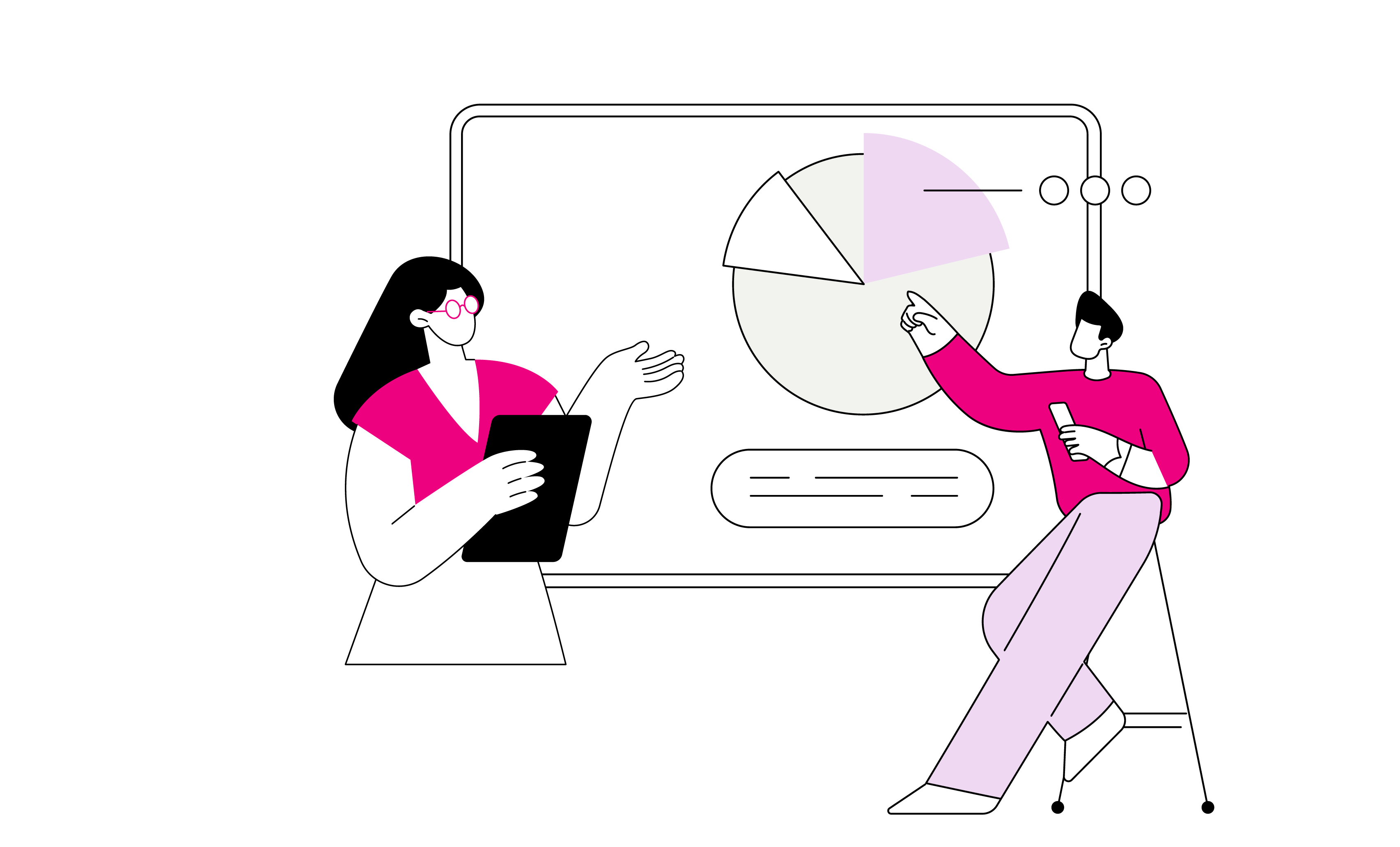
See what needs attention
Use built-in dashboards and reports to understand sales, stock levels and outstanding invoices at a glance. Spot issues early and stay in control without digging through data.
What Our Clients Say

We were double- and triple-handing everything. It cost us a lot of time and money and meant we were unable to be as efficient as we’d like. The systems weren’t built for a tile shop and made our processes more long-winded than they needed ...
James
Store Manager at Mazzanna Tiles
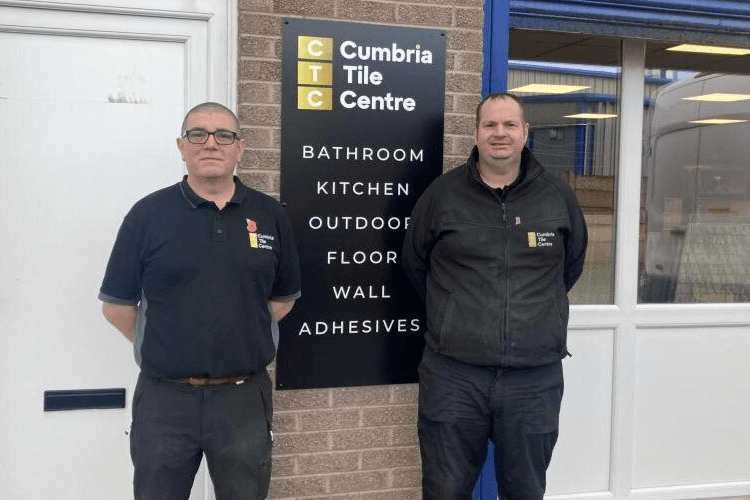
"Now, we’re able to use ERP Go for stock management and margin control, whilst other functions make it easy to manage customer and supplier accounts.”
Sean Cornfield
Commercial Director
Frequently Asked Questions
Will ERP Go replace my spreadsheets and paperwork?
Yes. ERP Go brings sales orders, stock, purchasing, deliveries and invoicing into one system, so you’re not updating the same information in multiple places.
Is ERP Go easy to use?
Yes. ERP Go is a cloud-based system designed for small trading businesses. It’s built around familiar tasks like orders, stock and invoices, so you can get on with running your business without having to learn complex systems.
Can I invoice directly from orders and see what’s unpaid?
Yes. You can create invoices from sales orders, track unpaid and overdue invoices, and manage invoice runs and credits in one place.
Does ERP Go work with the accounting software I already use?
Yes. ERP Go integrates with popular accounting systems including Xero, QuickBooks Online, Exact Accounting and Sage Business Cloud. This means you can keep using your existing accounting setup while managing orders, stock and invoicing in ERP Go.
Can I get a free trial of ERP Go?
Yes. Please fill out the form on this page and the ERP Go team will get in touch to arrange a demo and/or a 30-day free trial.
How much does ERP Go Cost?
ERP Go uses simple, per-user pricing at £45 per user, per month, so you only pay for the users you need. The contract term is 12 months, paid up-front.
Your subscription gives you access to ERP Go’s core tools for managing orders, stock, purchasing, deliveries and invoicing, along with user roles, dashboards and built-in reports.
How quickly could I get up and running?
ERP Go is cloud-based, so there’s nothing to install. You can start using it straight away and add your products, customers and suppliers as you go.